

Huikee Login – How to Access Your Account
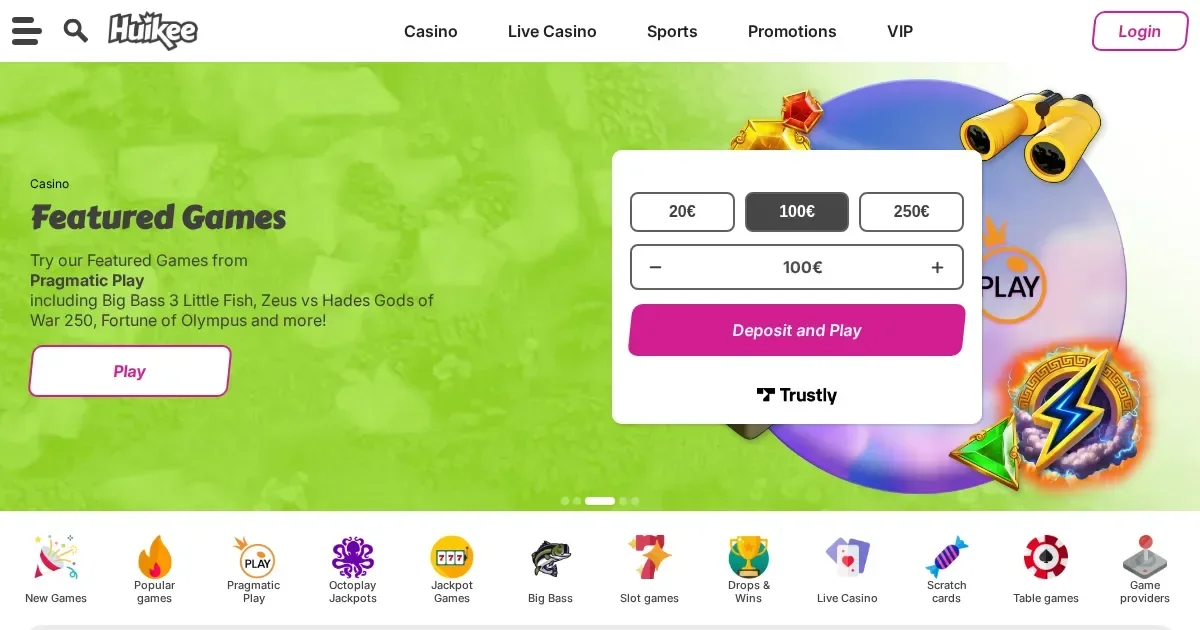
















Your account lives at Huikee, and only the operator can restore, verify or unblock it. This page explains how signing in works, what to do when it fails, and where to get help.
Signing in, step by step
- Open the operator's site in your browser.
- Find and click the sign-in button.
- Enter the email address and password you chose when you registered.
- Submit the form to reach your account.
No account yet? Registration happens at the operator's own site.
What signing in looks like on a phone
The operator's site works in a mobile browser, and you use the same account and password as on desktop. The screen is smaller but the process is identical: open the site, tap the sign-in control, enter your credentials.
What to do when it fails
Sign-in refusals usually have one of a handful of causes, and each has a remedy:
- Wrong email or password – check for typos, extra spaces, and whether caps lock is on.
- Unverified account – the operator may ask you to confirm your email address via a link before your first sign-in.
- Browser session problem – clear cookies and cache, or try a private window.
- Account under review – verification checks can pause access temporarily; contact support to resolve it.
- Self-exclusion in force – if you closed your account or set a cooling-off period, access is blocked until that period ends. See the responsible gambling section below.
Forgotten passwords
The operator's site has a password-reset link, usually next to the sign-in form. Click it, enter the email you registered with, and the operator will send a reset link to that address. Follow the link and set a new password.
If the email you used at registration is no longer reachable, contact the operator's support team with proof of identity. They can update the address on file once they verify your account.
Why an account gets blocked
Access can be restricted for several reasons. Where the operator's terms give specifics, the table below shows what triggers a hold and what happens:
| Cause | What happens |
|---|---|
| Identity verification pending | Withdrawals paused until documents are approved; deposits and play may continue |
| Cumulative deposits reach €2,000 | Further verification checks, including source-of-funds requests |
| 12 months of inactivity | €5 monthly maintenance fee applied; account remains accessible |
| Self-exclusion activated | Account closed for the chosen period; no sign-in, no deposits, no contact from the operator |
A block under self-exclusion is deliberate and permanent until the term ends. If gambling is no longer entertainment, help is available – see the section below.
Who to contact
Account problems go to the operator's support team, available via Live Chat and email, 24/7. Before you write, have three things ready: the email address on your account, when the problem started, and the exact message on screen if one appeared. That information lets support answer on the first reply rather than asking for it later.
Keeping access safe
Sign in only at the operator's own address – typed into the browser or reached through a bookmark you saved yourself. Never follow a link in an email or a message, even one that looks like it came from the operator: phishing messages copy logos and wording perfectly, and the only reliable check is the address bar.
Use a password you have not used anywhere else, and sign out when you finish if the device is shared with others.
Responsible gambling
Gambling should be entertainment, not an obligation. If signing in feels like a chore, or if you find yourself trying to get around a limit you set, it is worth stepping back. The operator offers tools to control spending, take a break, and self-exclude for a set period.
Free, confidential support is available in the UK through BeGambleAware, GamCare (National Gambling Helpline: 0808 8020 133, 24/7), and GamStop for national self-exclusion across licensed sites. Access to this site is restricted to persons aged 18 and over (18+). If gambling ever stops feeling like entertainment, help is there.
Frequently asked questions
Can I sign in to Huikee from my phone?
Yes. The operator's site works in a mobile browser, and you use the same email and password as on desktop. The account is the same on every device.
What do I do if I've forgotten my Huikee password?
Use the password-reset link on the operator's sign-in page. Enter the email you registered with, and the operator will send a reset link to that address. If you no longer have access to that email, contact support with proof of identity.
Why is my Huikee account blocked?
Accounts can be restricted for identity verification, source-of-funds checks (triggered at €2,000 cumulative deposits), or self-exclusion. Contact the operator's support team to find out which applies and what is needed to resolve it.
How long does email verification take at Huikee?
The operator sends an activation link to the email you provided at registration. The link arrives within minutes; if it does not, check spam folders and request a new one through support. Account suspension applies if verification is not completed.
Game Providers